准备好探索 imToken 了吗?
马上体验
How to Download imToken Safely & Verify Official Authenticity
日期:2026-06-29 19:24:33
Fake imToken clones, phishing websites and tampered APKs are rampant to steal mnemonics and private keys. Below is a complete official download guide + multi-layer authenticity verification workflow.
1. Only Use 3 Trusted Official Download Channels
Channel 1: Official Global Website (Most Reliable for All Devices)
Official domain: https://imtooken.im
Official token.im download page
Website authenticity pre-check before downloading:
Manually type token.im in the browser address bar — never click search ads, short links, or links from Telegram/WeChat groups.
Confirm the URL starts with https:// (HTTP unencrypted sites are fake).
Check the padlock SSL security icon on the left of the address bar; click it to confirm "Secure Connection".
Watch for fake lookalike domains: imtoik.net, token-im.store, hongkong-imtoken.com are all phishing copies.
On the official homepage, scan the built-in QR code or tap platform buttons to jump to legitimate download pages.
Channel 2: iOS (App Store)
Use a non-Mainland China Apple ID (HK/US region).
Search imToken, or click the App Store button directly from imtooken.im.
Mandatory developer verification: The official seller is imToken Technology Limited / imToken Pte. Ltd.
Red flags: Wrong developer name, low ratings, spam fake reviews, broken UI screenshots.
Channel 3: Android
Option A: Google Play (Global regions)
Search imToken and confirm the same official developer name as above.
Option B: Official APK from token.im
Download APK only via the QR code on token.im (reject APKs shared via chat, third-party APK sites like APKPure).
After downloading, verify the SHA256 hash signature before installation (critical anti-tamper check):
Get the official SHA256 string from the security announcement page of token.im.
Calculate the hash value of your downloaded APK on your phone/computer, and match the two values exactly. If mismatched, delete the file immediately — it is modified malware.
Allow "Install unknown apps" permission only temporarily for this single download; disable it afterward.
2. Full Authenticity Verification Checklist (Before & After Installation)
Step 1: Website Verification (Before Download)
Exact domain: imtooken.im only
HTTPS + valid SSL padlock
No pop-ups asking for seed phrases, private keys, or remote device control
Official support email displayed: support@token.im
Step 2: App Store Listing Verification (iOS/Google Play)
Developer: imToken Technology Limited
Consistent update history, official social media links on the store page
No abnormal permission requests (fake apps ask for full SMS, contact, root access)
Step 3: APK Hash Verification (Android Offline Security Check)
This is the most reliable way to confirm an unaltered installation package:
Visit the official security document to copy the published SHA256 fingerprint for the latest version.
Run hash calculation on your downloaded APK file.
100% identical hash = genuine official file; any difference = tampered fake app.
Step 4: Post-Install App Identity Check (First Launch)
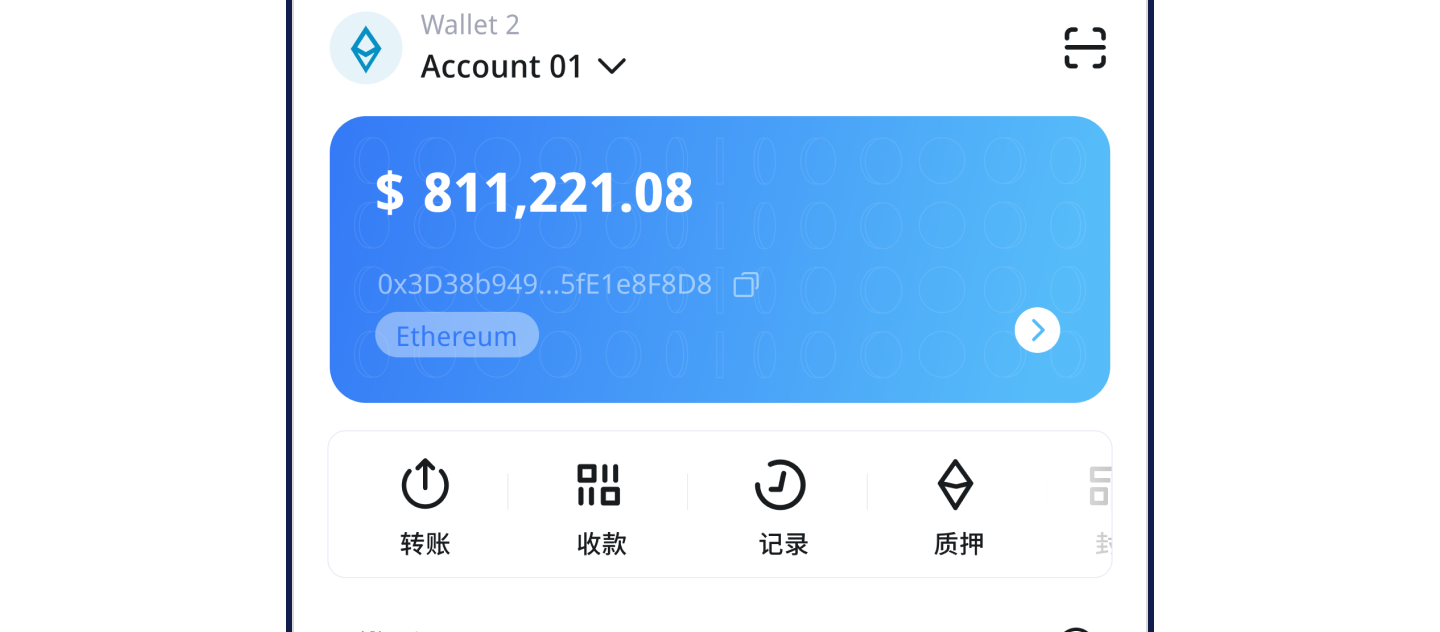
Icon matching: Official imToken uses a blue square logo with a white bird icon. Blurry, miscolored icons are counterfeits.
Official built-in resources: Inside the app, official Twitter, Discord, and support channels match the ones listed on token.im.
Behavior red flags (uninstall instantly if seen):
Asks you to input your 12/24-word seed phrase on first open
Forces remote control apps (TeamViewer, AnyDesk) installation
Pop-ups claiming "asset freezing" requiring identity verification with private keys
Constant suspicious investment/recharge ads
3. High-Risk Channels to Avoid Completely
Random search engine advertisement links (scammers buy top ad slots for fake wallet sites)
APK files sent via social chat, forums, email attachments
Third-party unofficial app markets, APK download websites
Mirror domains with minor spelling tricks (swap i and l, extra hyphens, wrong suffixes like .store/.com)
So-called "official agents" sharing download links in Telegram/Discord groups
4. Post-Download Security Best Practices
Never back up your seed phrase via screenshots, cloud notes, or online text editors — write it on offline paper.
Create/import wallets on offline Wi-Fi-free mode to reduce network interception risk.
Enable biometric lock (Face ID/Fingerprint) inside imToken after setup.
Only update the app through built-in official update prompts or token.im; ignore pop-up "update" links inside the app from unknown sources.
If you accidentally install a fake app: Uninstall it immediately, factory reset your device if you entered seed phrases, and transfer remaining assets to a verified genuine wallet.
Quick Summary of Core Rules
Download only from https://imtooken.im, official App Store, or Google Play.
Verify domain SSL and developer identity every time.
Android users must cross-check APK SHA256 hash before installing.
Never input recovery phrases on any website or unvalidated app.
Ignore all external links, chat-shared installers, and "custom
TAG: